Wireframe tool to speed up UI design and enhance team collaboration
Create interactive wireframes and improve design workflows with Cacoo
What is a wireframe?
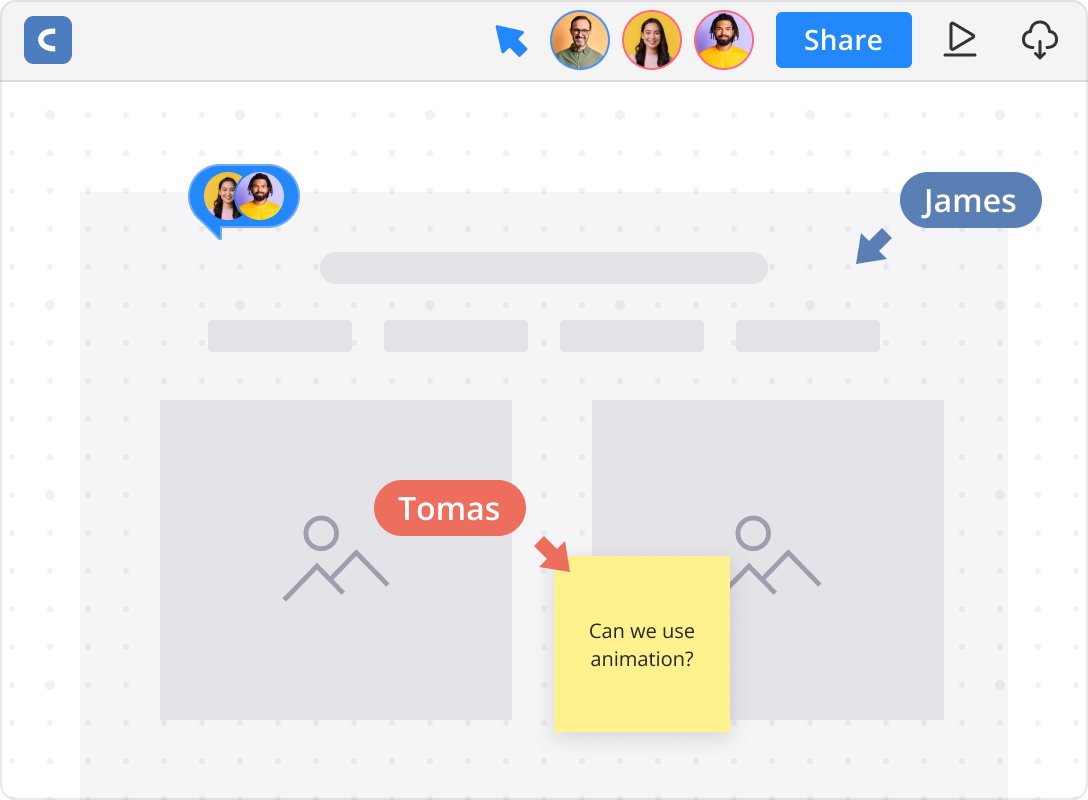
Try it free nowWireframes serve as the blueprint for an effective user interface—simple, clear layouts that focus on structure and functionality before visual design. They help cross-functional teams quickly align on user flow and navigation, avoiding costly redesigns down the line.
Types of wireframes
Depending on your project stage, wireframes can range from quick sketches to detailed blueprints that guide design and development. Wireframes are typically categorized by fidelity and may also address responsiveness:

Low-fidelity wireframes
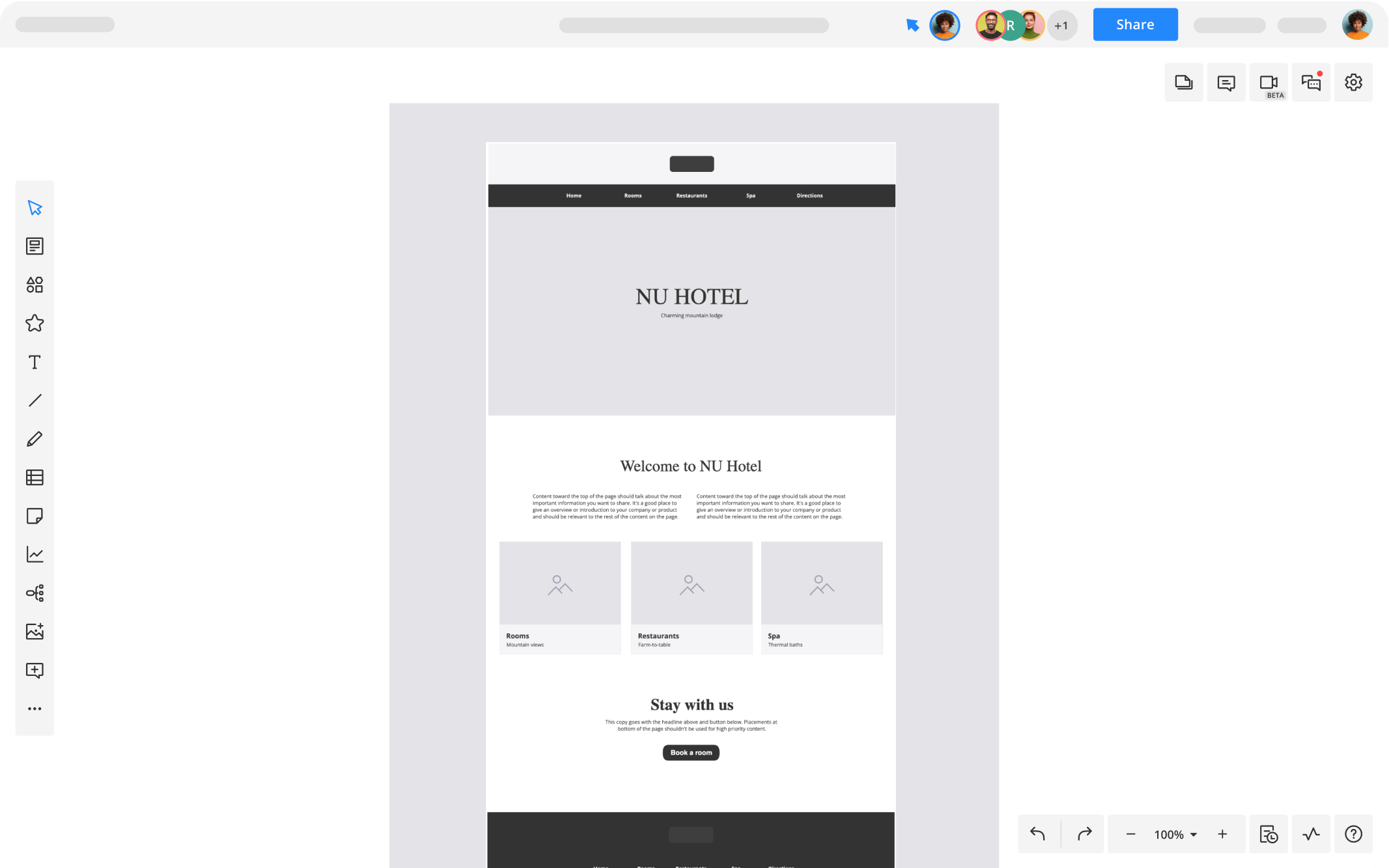
Simple sketches or block diagrams that outline core layout and functionality. Great for early brainstorming and stakeholder alignment.

Mid-fidelity wireframes
More detailed wireframes that include annotations, labels, and refined spacing to clarify interactions and user flow.

High-fidelity wireframes
Detailed wireframes that may include grayscale visuals, UI elements, and interactive components. These serve as a blueprint for designers and developers before adding visual design or prototyping.

Responsive wireframes
Wireframes designed to show how a user interface adapts across different screen sizes and devices, highlighting layout shifts and navigation changes for desktop, tablet, and mobile views.
Who uses wireframes?
Wireframes are essential tools for cross-functional teams involved in digital product development, including:

To plan and communicate user flows and screen layouts.

To define feature requirements and get early alignment with stakeholders.

To understand page structure and expected functionality.

To preview user journeys, ensure key messages appear in the right place, and provide early feedback to optimize conversion paths and ensure alignment with business goals.

To visualize and approve the structure and flow of the product before investing in detailed design.
Wireframes vs mockups vs prototypes
Try it free nowUnderstanding the difference helps teams use the right tool at each stage of design:

Wireframes
Focus on layout and functionality, without visual styling. They are low-fidelity and used early to establish structure.

Mockups
Static, high-fidelity visual designs that show exactly how the final UI will look, including colors, fonts, and images.

Prototypes
Interactive simulations that mimic the user experience by allowing clickable navigation and demonstrating workflows.

Wireframes lay the foundation, mockups define the look, and prototypes enable testing and validation.
Why teams use wireframes

Wireframes help teams quickly communicate and test how users will interact with the interface, enabling early design decisions focused on usability and functionality.

Acting as a shared visual language, wireframes foster ongoing dialogue between designers, developers, and stakeholders—keeping everyone aligned and speeding consensus during early design phases.

Wireframes support fast, low-cost iterations and continuous stakeholder feedback, helping prevent expensive changes later in design and development.
Integrate with your favorite apps
Connect Nulab products with each other and with your favorite tools to build a seamless, end-to-end workflow


Try Cacoo for wireframes today

Start diagramming in minutes
Wireframe quickly and collaborate seamlessly in Cacoo. Try Cacoo free — no commitment required.
Try it free
Want a tailored walkthrough?
Schedule a quick call and see how Cacoo can improve your design workflow.
Contact salesTRUSTED BY OVER 4 MILLION USERS WORLDWIDE




How teams use Cacoo to design interfaces faster and iterate together
Product and design teams trust Cacoo to create responsive wireframes, test ideas early, and share feedback seamlessly. Here’s how Cacoo helps teams speed up UI/UX workflows and ship better products.
Read more"My co-workers used PowerPoint to draw wireframes. I introduced Cacoo, telling them, ‘Why don't you try a tool that's easier to use?’ Directors and designers started using Cacoo first; then it expanded to the rest of our staff."
Start making wireframes with Cacoo today
Bring your UI ideas to life with customizable wireframes you can iterate on together
Learn more about wireframes

Learn how to create wireframe with our guide
Want a deeper dive into wireframing? Our practical guide walks you through the purpose of wireframes, best practices, and how to start designing them with Cacoo.
Learn more