Repositories
A repository (i.e., repo) is a centrally located folder for storing code. Once you have a Git repository with files and directories, you can start tracking changes and versions.
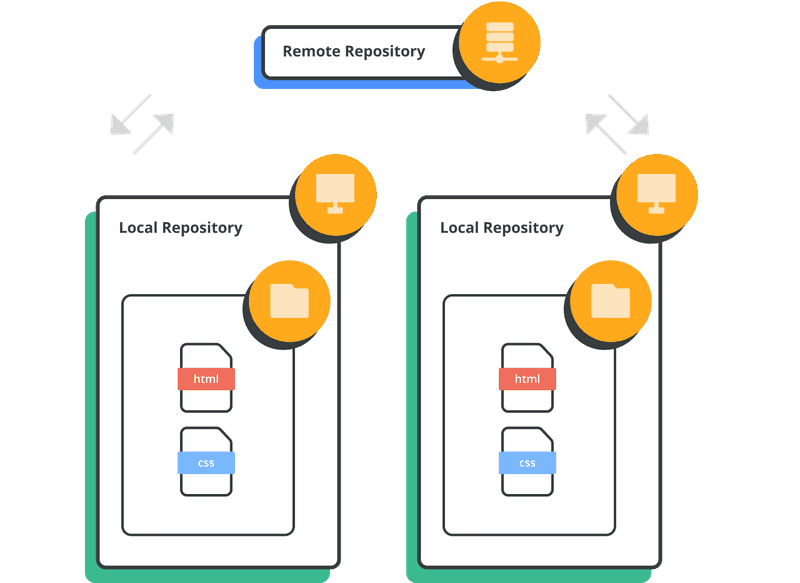
There are two types of Git repositories: remote and local.
- A remote repository is hosted on a remote (this could be on the internet or an off-site server; it could even be the same machine in a different path) and is shared among multiple team members.
- A local repository is hosted on a local machine for an individual user.
While you can use Git version control features with a local repository, collaboration features — like pulling and pushing code changes with teammates — can only be done on a remote repository.