- What's new
- Move projects forward with Backlog AI Assistant
Move projects forward with Backlog AI Assistant
Meet Backlog AI Assistant: Built to help your team move work forward faster
We’re thrilled to announce Backlog AI assistant, a major step forward in how teams get work done inside Backlog.
Every project has work that takes time but doesn’t always add value, like reading long comment threads, writing updates from scratch, tracking down what’s blocking progress, and pulling documentation together at the end of the week. Backlog AI assistant helps solve this by bringing clarity, context, and ready-to-use content directly into the places your team already works.
The AI assistant isn’t a separate tool or a new workflow to learn. It’s built into Backlog, so you can move from “Where are we?” to “What’s next?” faster, without switching tabs, digging through threads, or rewriting the same information in multiple places.
Backlog AI assistant for project management
Backlog AI assistant supports three key parts of everyday project work: creating, managing, and drafting documents. Together, they reduce manual coordination and help teams stay aligned as projects move forward.
Create, edit, and take action faster
A lot of project management isn’t difficult—it’s just repetitive. Backlog AI assistant helps you handle the “busywork” faster, so your team can stay focused on execution.
With Backlog AI, you can:
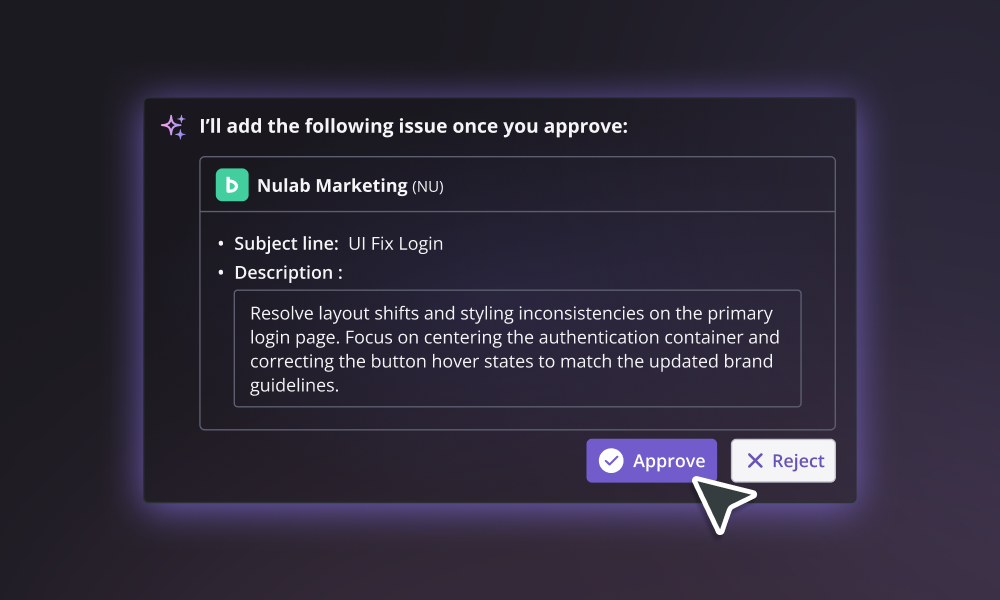
Create tasks from rough notes or planning discussions
Edit and refine issue descriptions for clarity
Update task details quickly without breaking your flow
Example: Turn sprint planning notes into a set of structured tasks in seconds.
Identify bottlenecks and get clarity instantly
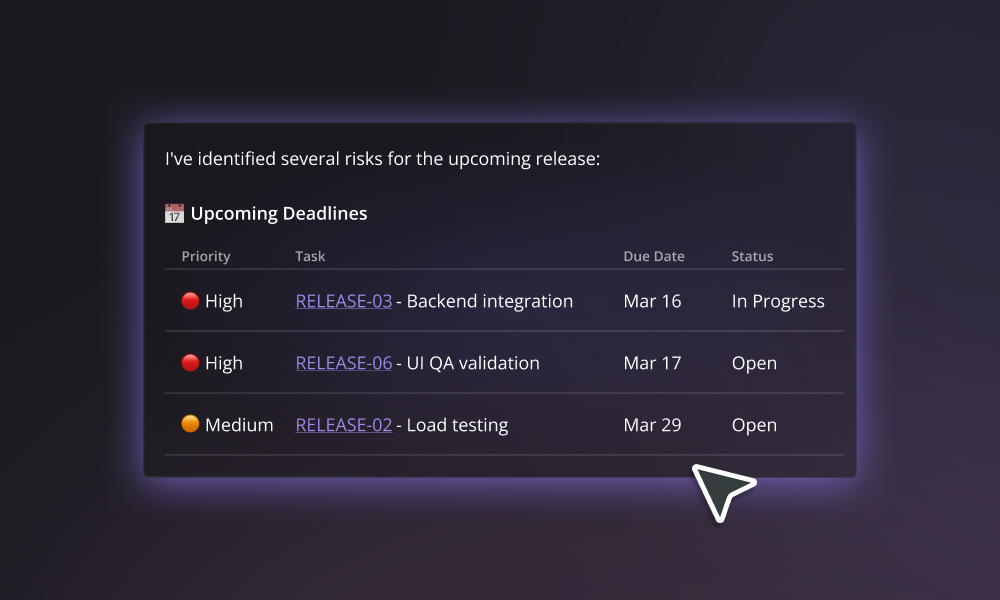
When projects move quickly, important context gets buried. Blockers, decisions, and key updates often live inside long comment threads or scattered across multiple issues. Backlog AI assistant helps you pull that context forward instantly.
With Backlog AI, you can:
Summarize long issue discussions
Ask questions and get answers without searching
Generate quick project or sprint overviews
Example: Instead of scrolling through comments, generate a summary and see what’s blocking progress right away.
Generate docs, wikis, and reports
Documentation and reporting are essential—but they’re also where teams lose a surprising amount of time, especially when deadlines are close. Backlog AI assistant helps you turn what’s already happening in your project into structured writing.
With Backlog AI assistant, you can:
- Draft wiki pages and internal documentation
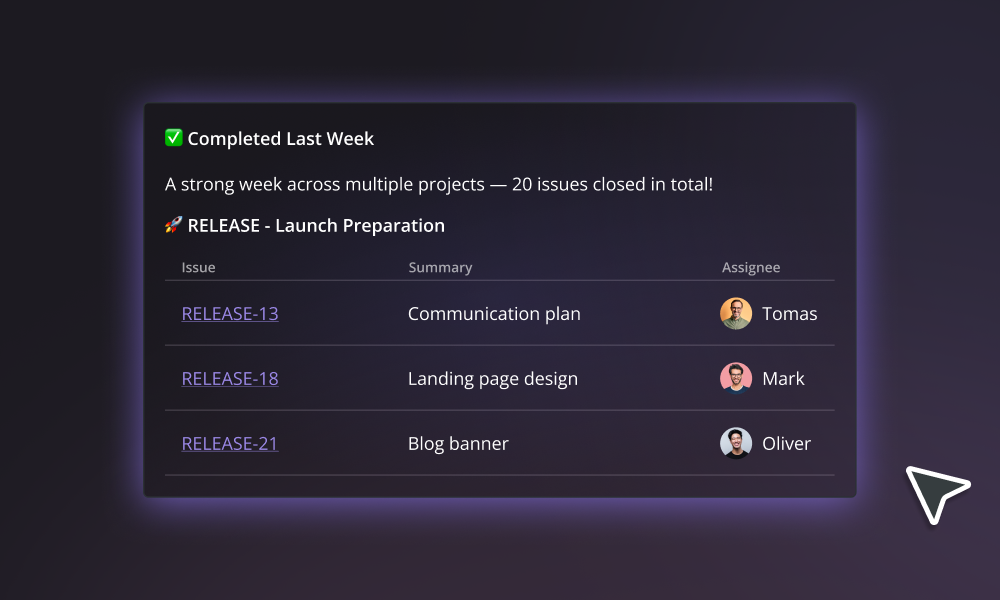
- Generate progress reports for stakeholders
- Turn project updates into clear summaries you can share
Example: Create a weekly status report in minutes, based on the work already happening in Backlog.
Why this matters
Backlog AI assistant was built for the kinds of teams Backlog was made for: teams doing real work across real projects.
For development teams, it means less time catching up and more time building. For project managers, it means faster reporting and fewer status-chasing loops. For cross-functional teams like marketing, operations, and support, it means clearer handoffs and fewer things getting lost in the shuffle.
Most importantly, Backlog AI assistant reduces the hidden overhead that slows projects down, so your team can stay aligned, stay confident, and keep work moving forward.
How to start using Backlog AI assistant
Getting started is simple, and you can begin using Backlog AI right in your existing projects.
Open Backlog
Click the Backlog AI assistant icon at the bottom right of the page.
Ask the AI Assistant what you want to do (summarize, write, create or edit issues and comments, or ask for advice).
Review the result and apply it directly where the work lives.
Tip: If you’re not sure where to begin, check out our pre-written prompts to get you started on simplifying your workflow.
Try Backlog AI assistant today
Whether you’re managing sprint work, tracking bugs, coordinating across teams, or keeping stakeholders aligned, Backlog AI assistant helps you move from information to action faster. Got questions? Feel free to reach out to us or visit the Nulab Help Center to find out more about the Backlog AI assistant.
Explore more features
Get the most out of your experience. See other powerful features to help you visualize, collaborate, and get work done
Move projects forward with Backlog AI Assistant
Create tasks, summarize discussions, and draft updates instantly so your team can focus on execution instead of busywork
What's new: Better ways to organize documents and visualize your long-term goals
Happy New Year! We’re kicking off 2026 with a focus on centralization and clarity. Whether you’re trying to move a mountain of existing notes into Backlog, automate your documentation via API, or finally see your entire three-year project roadmap on one screen, this month’s updates are all about making your workspace feel more organized and your future plans more visible.
Save time with Backlog’s new replicate feature
Starting a new project just got faster and easier in Backlog with our new Project Settings Export/Import feature. Whether you want to replicate your ideal workflow across departments or eliminate the hassle of setting everything up from scratch, this update is designed to help teams launch new projects with minimal setup.
Save time with Backlog’s new batch import feature
Manually adding issues one by one is no one’s idea of a good time, especially when you’re kicking off a big project or migrating data. That’s why we’re excited to announce Backlog’s new batch import feature. Now, you can register up to 250 issues at once just by uploading a simple CSV file. No repetitive clicking or duplicate data entry. Just one upload, and you're done.
New in Backlog Documents: Tags, subpages, TOC, and embeds
When we first introduced Backlog’s new documents editor, our goal was to make it easier for teams to collaborate, share knowledge, and keep important project information all in one place. Since then, we’ve been listening closely to your feedback, and we’re excited to share the latest improvements designed to make your document workflow even more efficient. These updates, now available in Beta, help you better organize content, navigate longer documents, and bring your favorite tools right into the editor. Whether you're documenting processes, creating team guides, or building internal wikis, these enhancements are here to save you time and keep everything connected.
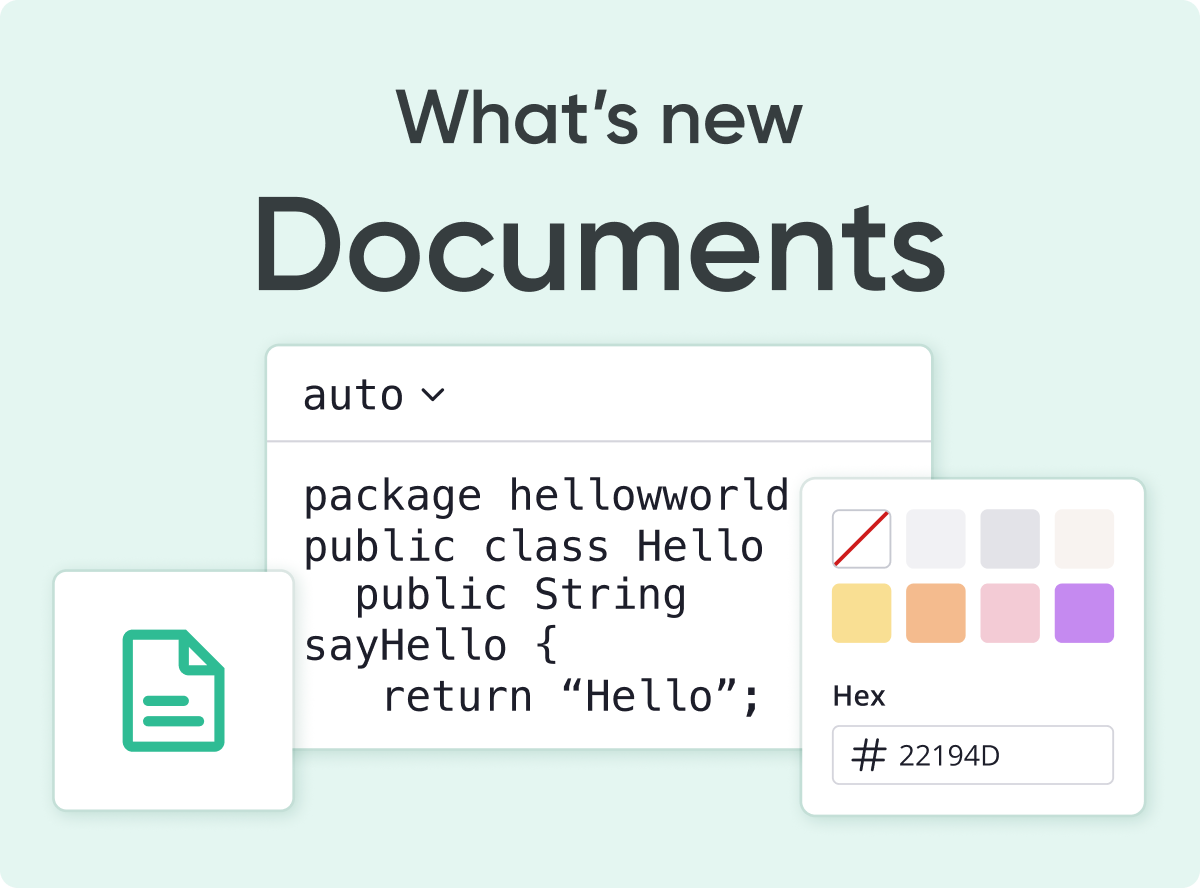
Collaborate in real-time with Backlog’s new online document editor
For over a decade, Backlog has helped teams stay organized, and, as work evolves, so do the tools we need. Today, with remote work and digital collaboration becoming the norm, managing documents across multiple platforms has become a major challenge.
Latest improvements to the Backlog AI Summary feature
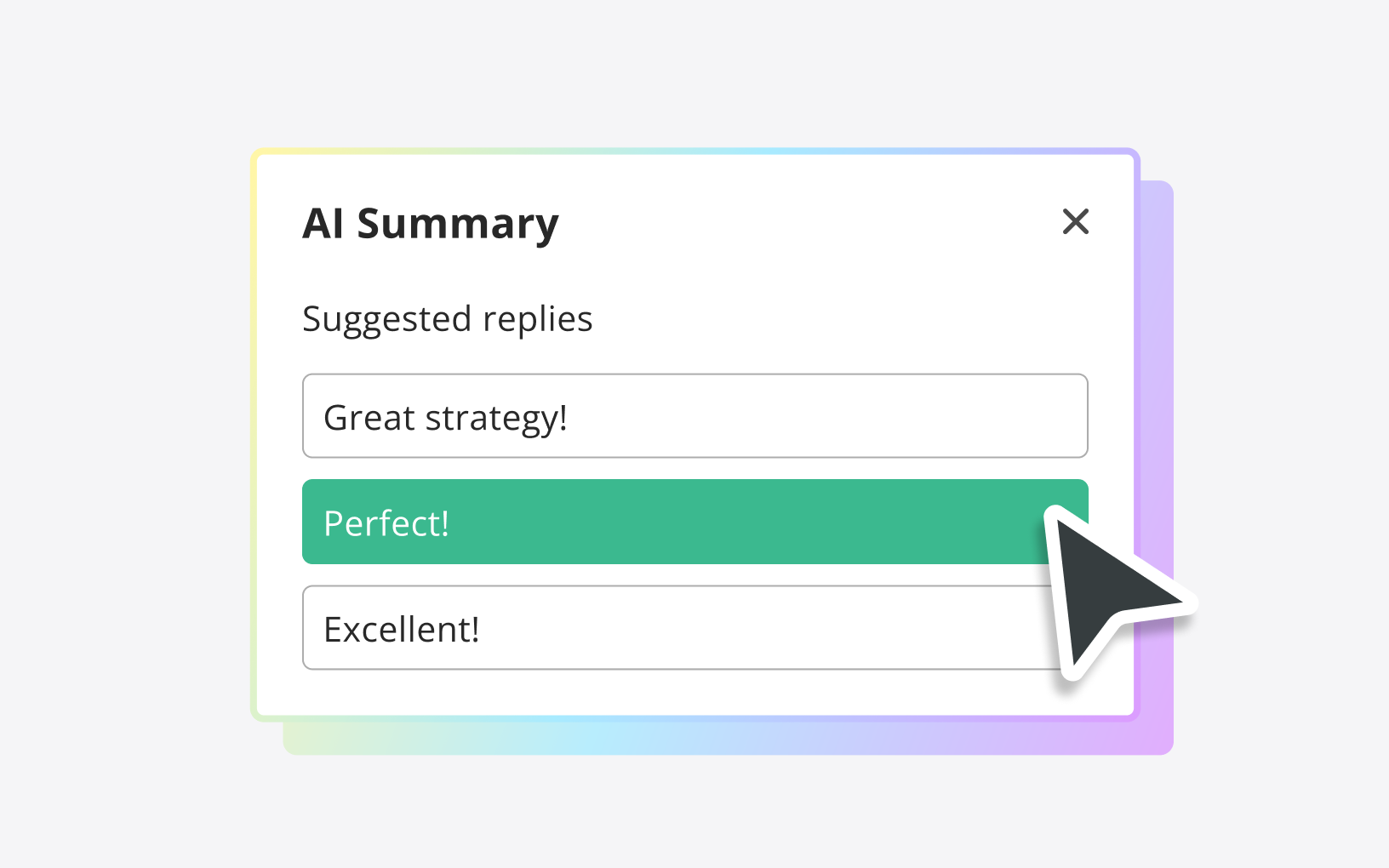
Backlog’s AI Summary feature, introduced last November with OpenAI, was a game-changer in helping you manage your issues more efficiently. Since then, we've been listening closely to your suggestions and are excited to announce some fantastic updates that make the AI Summary feature smarter and more user-friendly than ever before. Here’s what’s new: