- What's new
- What's new: Better ways to organize documents and visualize your long-term goals
What's new: Better ways to organize documents and visualize your long-term goals
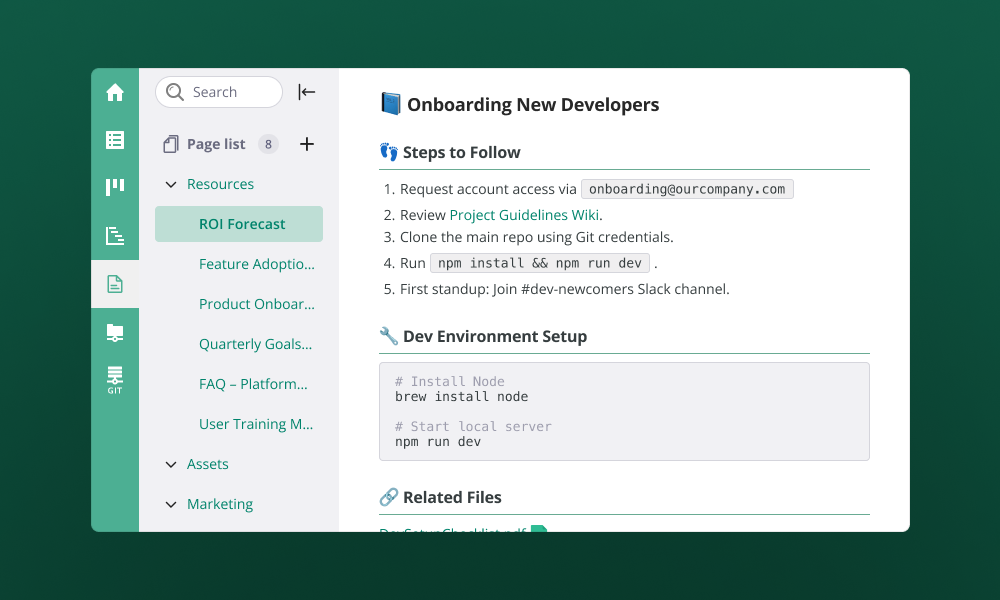
Happy New Year! We’re kicking off 2026 with a focus on centralization and clarity. Whether you’re trying to move a mountain of existing notes into Backlog, automate your documentation via API, or finally see your entire three-year project roadmap on one screen, this month’s updates are all about making your workspace feel more organized and your future plans more visible.
Upgrade your teamwork with the official Document launch and Wiki migration
We are thrilled to announce that Backlog Documents has officially moved out of beta! To celebrate the full launch, we’ve released a one-click Wiki migration tool that helps you move all your project’s existing Wiki data directly into Documents. This makes it easier for your team to take advantage of modern features like real-time co-editing and rich text formatting without the stress of manual migration. It’s the easiest way to bring your team's collective knowledge into a more modern, collaborative space where everyone can work together at the same time.
Learn more about how the migration tool works and how to transition your project.
Ditch the copy-paste with one-click Document Imports
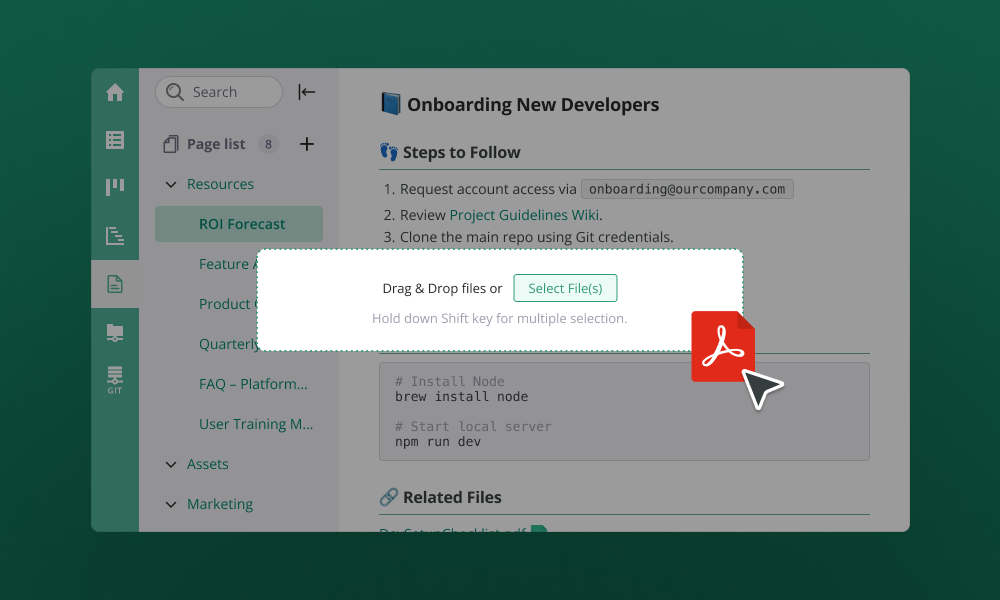
Moving your notes into Backlog just got a whole lot faster. Instead of the tedious "copy-paste-reformat" routine, you can now drag and drop multiple Markdown or text files (.md, .markdown, .txt) directly into your project. The tool automatically handles the formatting for you and neatly organizes the new pages exactly where you want them in your sidebar. Whether you're moving documentation from another app or just uploading meeting notes from your desktop, it’s now a one-click job.
Put your documentation on autopilot with new API commands
For those who like to let the machines do the heavy lifting, we’ve added new "Create" and "Delete" commands to our API. This means you can set up your other work tools to automatically send reports straight into Backlog Documents or use a quick script to sweep away old, outdated files. It’s a great way to keep your workspace tidy and your documentation up-to-date without having to lift a finger in the actual app interface.
Find the pages for the new APIs in our Developer Site.
See the "big picture" with expanded long-term Gantt charts
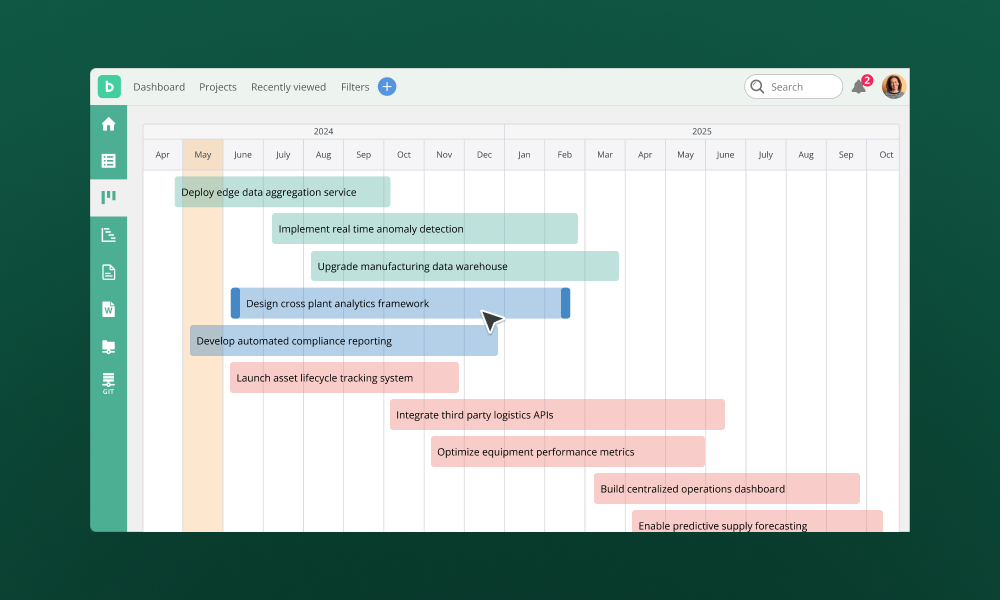
If you’re leading a project that spans a year or more, you no longer have to stop at 6-month snapshots. We’ve unlocked the Gantt chart so you can view your entire roadmap—from day one to year five—on a single, continuous screen. This update is all about ditching those extra Excel spreadsheets and keeping your long-term plans in one reliable place where the whole team can see exactly where the project is headed.
Learn more about Gantt charts here.
Track milestones better with Quarterly views and progress rates
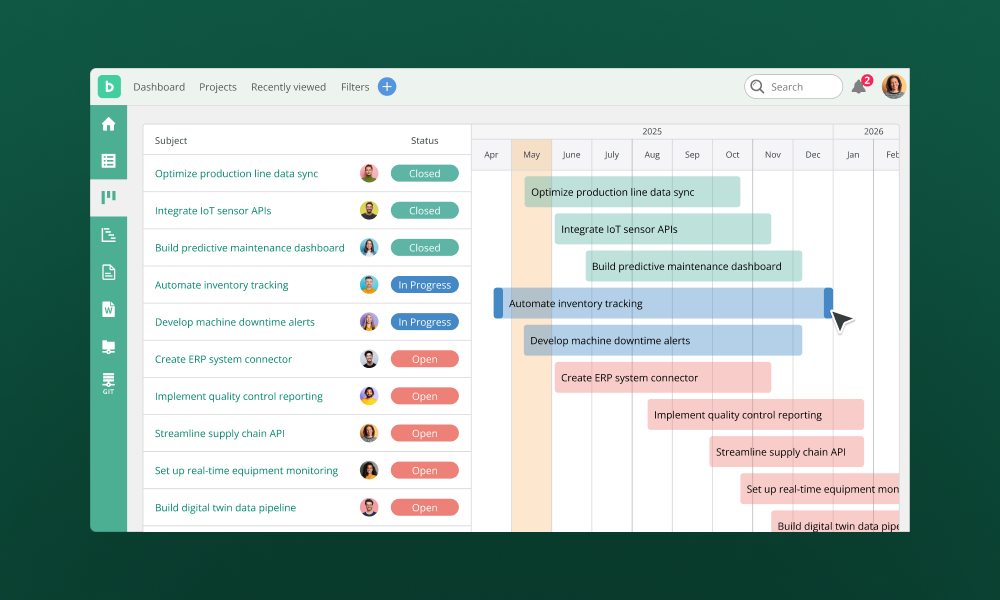
To help you make sense of those long-term plans, we’ve added a "Quarterly" view that breaks your year down into manageable chunks (like Jan–Mar). We’ve also updated the look of our project groups to show you a "Completion Rate" percentage at a glance. It’s now much easier to see which phases of your project are crossing the finish line and which ones need a little extra love, making your status updates faster and more accurate.
Check out the Nulab Help Center for more information. Got questions? We’re here to help! Reach out to our support team anytime.
Explore more features
Get the most out of your experience. See other powerful features to help you visualize, collaborate, and get work done
Move projects forward with Backlog AI Assistant
Create tasks, summarize discussions, and draft updates instantly so your team can focus on execution instead of busywork
What's new: Better ways to organize documents and visualize your long-term goals
Happy New Year! We’re kicking off 2026 with a focus on centralization and clarity. Whether you’re trying to move a mountain of existing notes into Backlog, automate your documentation via API, or finally see your entire three-year project roadmap on one screen, this month’s updates are all about making your workspace feel more organized and your future plans more visible.
Save time with Backlog’s new replicate feature
Starting a new project just got faster and easier in Backlog with our new Project Settings Export/Import feature. Whether you want to replicate your ideal workflow across departments or eliminate the hassle of setting everything up from scratch, this update is designed to help teams launch new projects with minimal setup.
Save time with Backlog’s new batch import feature
Manually adding issues one by one is no one’s idea of a good time, especially when you’re kicking off a big project or migrating data. That’s why we’re excited to announce Backlog’s new batch import feature. Now, you can register up to 250 issues at once just by uploading a simple CSV file. No repetitive clicking or duplicate data entry. Just one upload, and you're done.
New in Backlog Documents: Tags, subpages, TOC, and embeds
When we first introduced Backlog’s new documents editor, our goal was to make it easier for teams to collaborate, share knowledge, and keep important project information all in one place. Since then, we’ve been listening closely to your feedback, and we’re excited to share the latest improvements designed to make your document workflow even more efficient. These updates, now available in Beta, help you better organize content, navigate longer documents, and bring your favorite tools right into the editor. Whether you're documenting processes, creating team guides, or building internal wikis, these enhancements are here to save you time and keep everything connected.
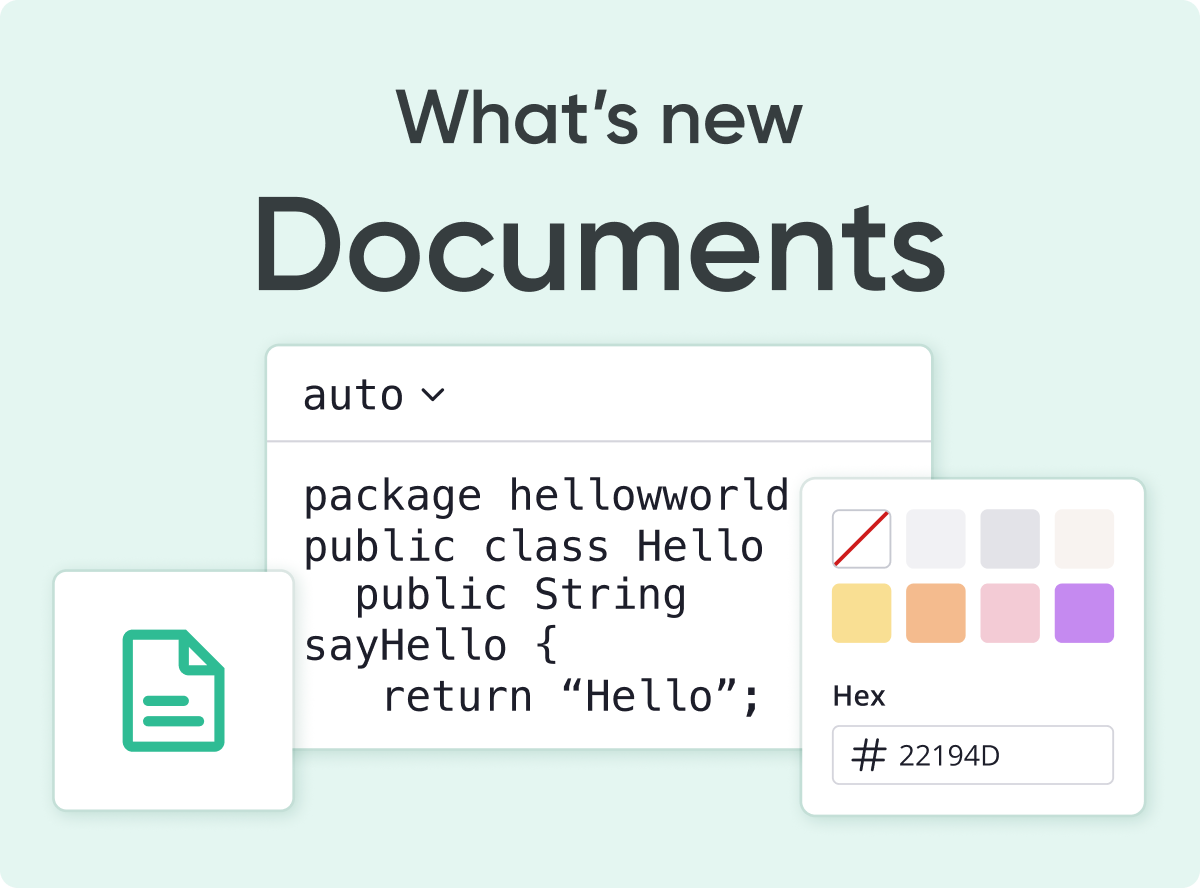
Collaborate in real-time with Backlog’s new online document editor
For over a decade, Backlog has helped teams stay organized, and, as work evolves, so do the tools we need. Today, with remote work and digital collaboration becoming the norm, managing documents across multiple platforms has become a major challenge.
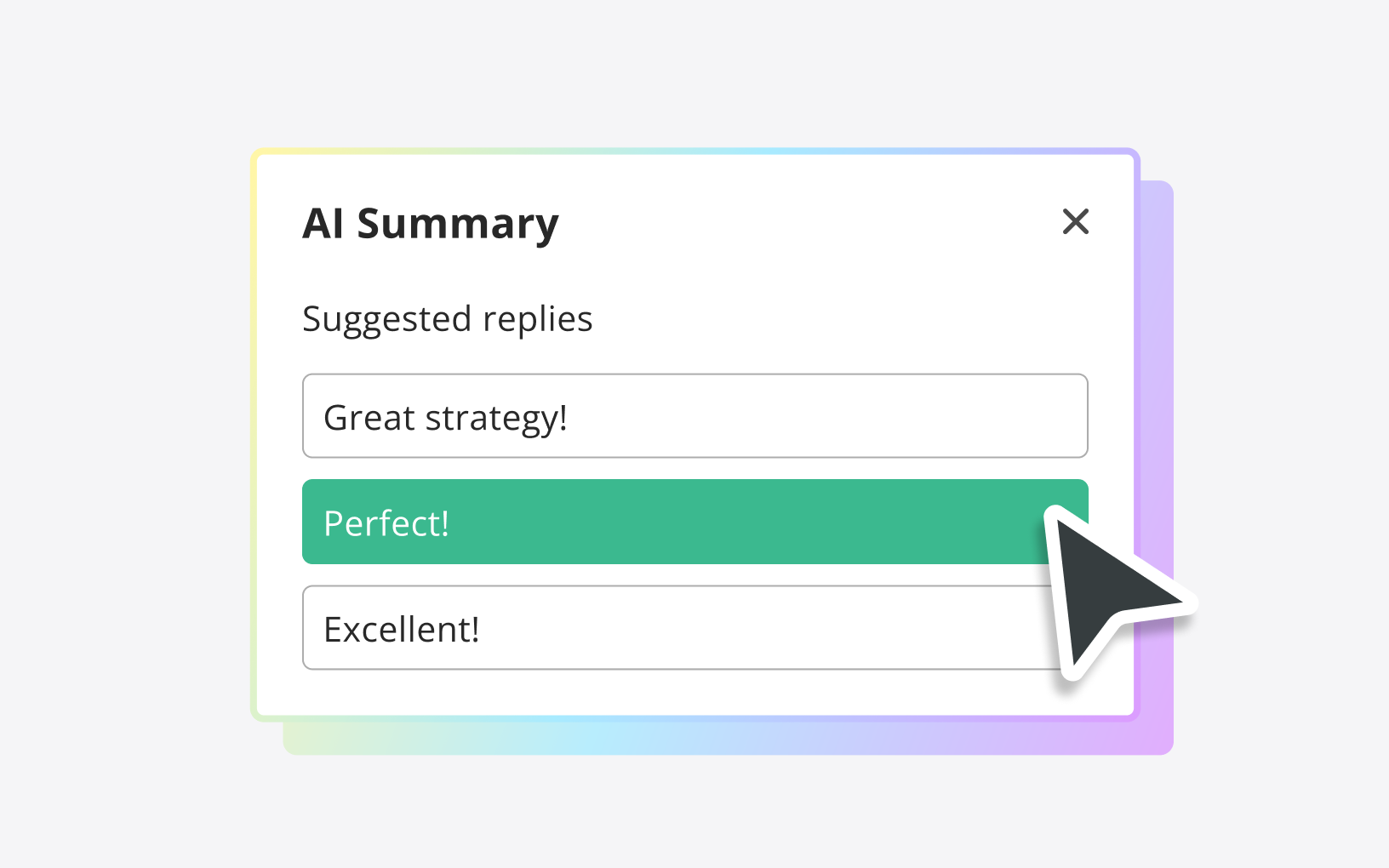
Latest improvements to the Backlog AI Summary feature
Backlog’s AI Summary feature, introduced last November with OpenAI, was a game-changer in helping you manage your issues more efficiently. Since then, we've been listening closely to your suggestions and are excited to announce some fantastic updates that make the AI Summary feature smarter and more user-friendly than ever before. Here’s what’s new: